
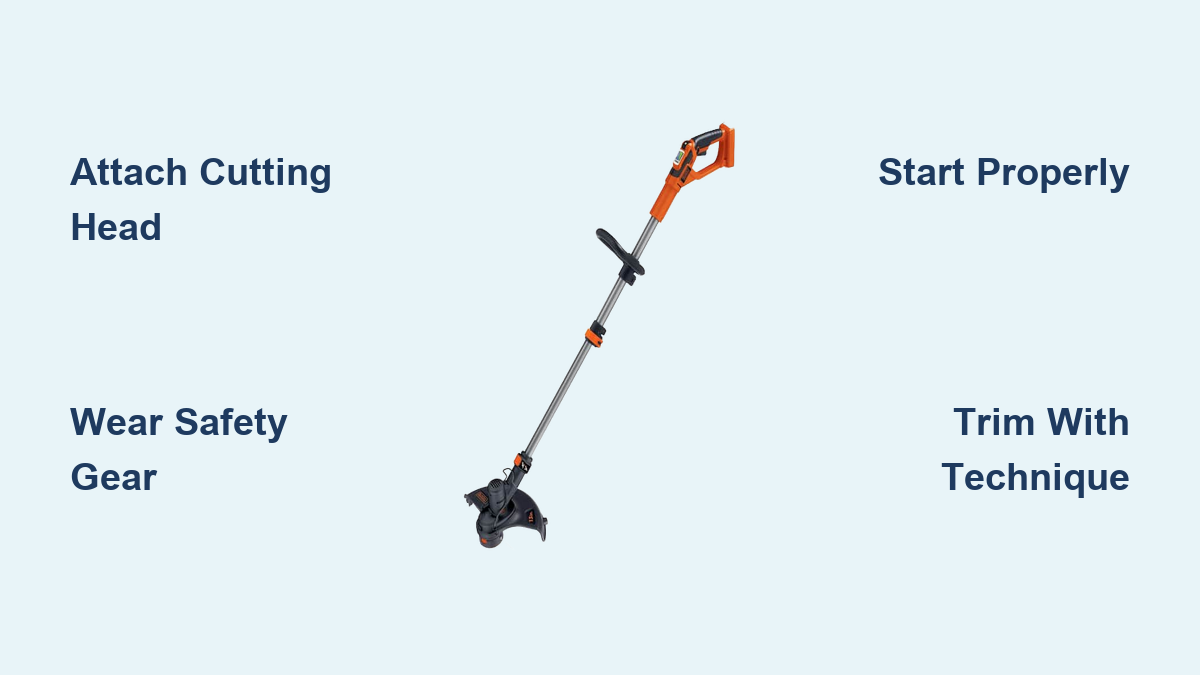
You’ve just unpacked your new Black and Decker weed trimmer and are ready to tackle that overgrown yard, but where do you begin? Many homeowners struggle with confusing assembly instructions, safety concerns, and inefficient trimming techniques that leave their yard looking uneven. Properly using your Black and Decker weed trimmer isn’t just about pulling the trigger—it requires understanding the specific features of your model, following critical safety protocols, and mastering the right techniques for clean, efficient results. In this guide, you’ll learn the step-by-step process to safely assemble, operate, and maintain your Black and Decker weed trimmer, whether you have a corded, cordless, or gas-powered model, so you can achieve professional-looking results without common beginner mistakes.
Assembling Your Black and Decker Weed Trimmer Correctly
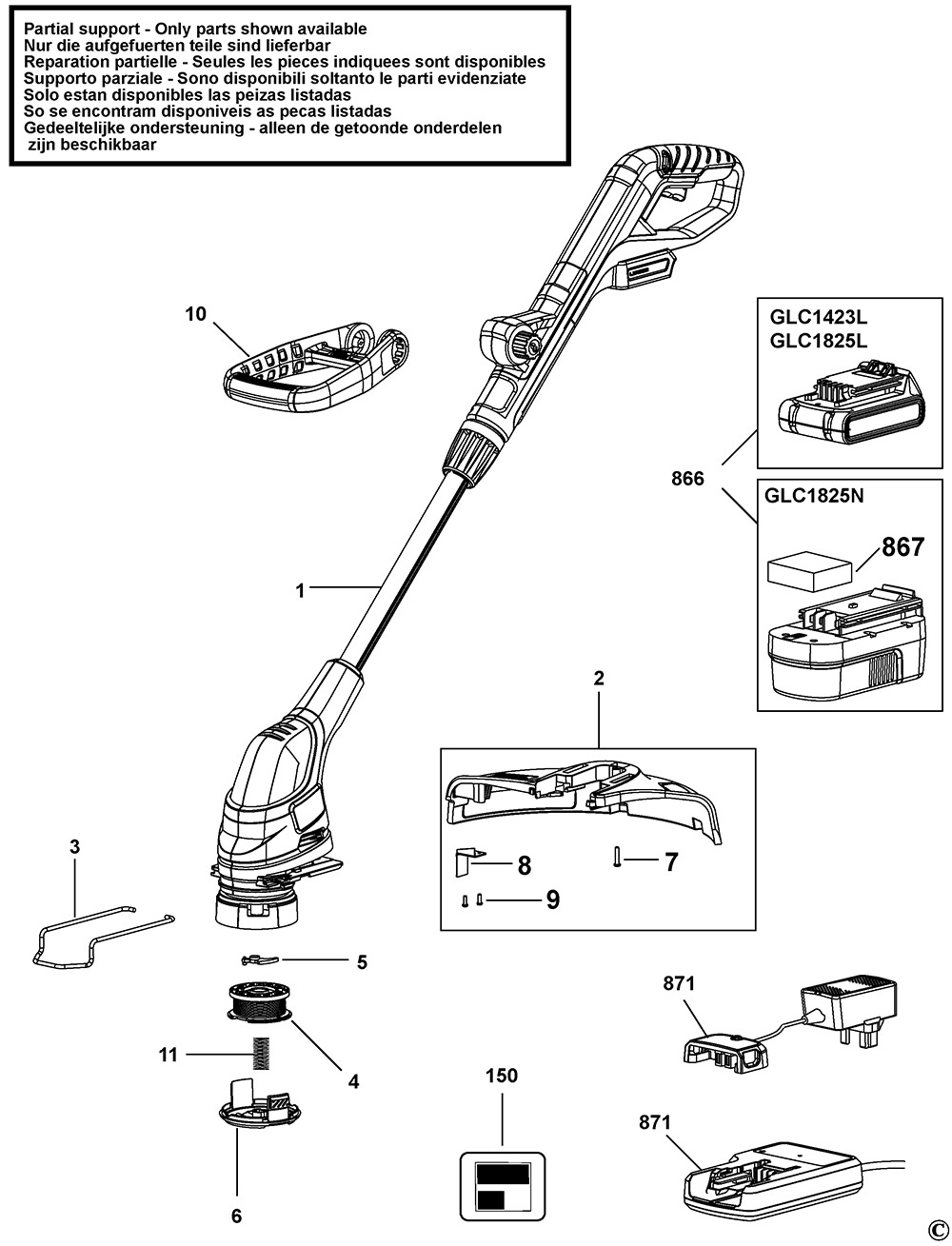
Before you can start trimming, proper assembly ensures your weed trimmer operates safely and effectively. Most Black and Decker models ship partially assembled, requiring you to attach key components with basic tools.
Attaching the Cutting Head and Spool
Begin by securing the cutting head according to your specific model’s requirements. For most cordless and corded models, place the trimmer on a flat surface with the guard facing up. Locate the spindle lock button near the cutting head and press it while using the included wrench to tighten the cutting head assembly. When installing the spool, ensure you’re using the correct line diameter specified in your manual—typically .065″ or .080″ for Black and Decker models. Wind the line neatly in the direction indicated by the arrows on the spool, leaving approximately 6 inches extended before reinstalling the spool cover.
Extending and Securing the Shaft
Adjust the telescoping shaft to your ideal height by loosening the shaft lock collar, extending to comfortable working position (typically with elbows slightly bent), then firmly tightening the collar. For models with a curved shaft, ensure the curve faces away from your body when operating. Straight-shaft models often require attaching the lower shaft section by aligning the locking tabs and twisting until they click into place. Double-check all connections are secure by gently trying to twist and pull components before operation.
Essential Safety Preparations Before Operation
Operating a weed trimmer without proper safety measures can lead to serious injury from debris or contact with the spinning line. Black and Decker specifically emphasizes these critical safety steps before each use.
Required Protective Gear Checklist
Always wear:
– Safety glasses or a face shield to protect against flying debris
– Long pants (not shorts) to prevent cuts from stray line or debris
– Sturdy, closed-toe shoes or work boots
– Hearing protection for extended use
– Work gloves to improve grip and protect hands
Avoid loose clothing, jewelry, or untied shoelaces that could catch in the spinning head. Ensure children and pets remain at least 50 feet away from your work area during operation.
Pre-Operation Yard Inspection
Walk your intended work area thoroughly before starting your trimmer. Remove sticks, rocks, broken glass, and other debris that could become dangerous projectiles when hit by the spinning line. Check for obstacles like low-hanging branches, fence posts, or garden ornaments that might interfere with your trimming path. Pay special attention to irrigation heads and electrical wires that could be damaged by accidental contact. Black and Decker recommends clearing a 10-foot perimeter around your work area to prevent accidents.
Starting Your Black and Decker Weed Trimmer Properly
Different Black and Decker models have specific starting procedures depending on whether you’re using a corded electric, cordless battery-powered, or gas-powered trimmer.
Cordless and Corded Electric Models Starting Sequence
For cordless models, ensure your battery is fully charged (indicated by solid green light on charger) and properly locked into the tool. Insert the battery until it clicks securely, then press the safety lock button while pulling the trigger for 3-5 seconds. Corded models require using an outdoor-rated extension cord of appropriate gauge (typically 14-16 AWG for runs under 100 feet). Plug the cord into a GFCI-protected outlet, then squeeze the safety trigger lock before pulling the main trigger to start.
Gas-Powered Model Starting Procedure
If you have a gas-powered Black and Decker model, begin with the fuel mixture (typically 40:1 ratio of gasoline to 2-cycle oil). Prime the carburetor by pressing the primer bulb 5-6 times until fuel becomes visible. Set the choke to “Start” position, press the safety lock, and pull the starter cord with a smooth, full motion. After the engine fires, let it run for 15 seconds before moving the choke to “Run” position. Never start a gas trimmer indoors or in enclosed spaces due to carbon monoxide risk.
Effective Trimming Techniques for Professional Results

How you hold and maneuver your Black and Decker weed trimmer directly impacts your results and safety. Master these techniques to achieve clean lines and even cutting without damaging your equipment.
Proper Body Position and Grip
Hold the trimmer with both hands—one on the main handle, the other on the auxiliary handle—with elbows slightly bent. Keep your feet shoulder-width apart for stability. Position the cutting head at a 15-30 degree angle from vertical, with the top of the guard facing your direction of travel. Never operate the trimmer above waist height or with the cutting head directly in front of your body.
Achieving Clean Edges and Transitions
For clean lawn edges, move the trimmer in a smooth, sweeping motion parallel to sidewalks or driveways. Maintain consistent speed—not too fast (causes uneven cuts) or too slow (overcuts in one spot). When transitioning between grass and obstacles, reduce speed and use short, controlled bursts. For tight corners, stop the rotation completely before repositioning. Black and Decker recommends overlapping each pass by 50% for even results in thick vegetation.
Troubleshooting Common Operational Issues
Even with proper use, you may encounter problems during operation. Knowing how to quickly address these common issues keeps your project moving forward.
Line Feed Problems and Solutions
If your line stops feeding automatically, first check that you’re not pressing the trigger continuously for more than 30 seconds (which engages the safety lockout on many models). For bump-feed heads, gently tap the head on the ground while running to release more line—about 1/4 inch per tap. If the line breaks frequently, you may be using incorrect diameter line or contacting hard surfaces too aggressively. Replace worn spools when the line chamber becomes transparent or develops cracks.
Motor Performance Issues
Reduced power often indicates a clogged air filter (on gas models) or debris wrapped around the cutting head. Immediately stop operation, unplug or remove the battery, then clear any obstructions. For cordless models with sudden power loss, check battery contacts for corrosion and ensure the battery is fully seated. If your trimmer stalls frequently, verify you’re using the correct fuel mixture for gas models or that your extension cord meets specifications for corded electric models.
Post-Use Maintenance for Longevity
Proper care after each use extends your Black and Decker weed trimmer’s lifespan and ensures reliable performance next time.
Cleaning and Storage Protocol
After each use, unplug or remove the battery and allow the unit to cool completely. Wipe down the cutting head area with a damp cloth to remove grass clippings and sap buildup—never use water directly on electrical components. Remove any tangled vegetation from around the drive shaft and guard. Store in a dry place with the cutting head elevated off the ground. For corded models, wrap the cord loosely around the designated hooks without kinking. Cordless models should be stored with batteries partially charged (around 40-60%) in a cool, dry location.
Regular Maintenance Schedule
Create a maintenance calendar based on usage: after every 5 hours of operation, inspect and clean the air filter (gas models); after 10 hours, check and tighten all nuts and bolts; after 25 hours, replace the cutting line spool entirely rather than rewinding. Lubricate any moving parts on the shaft assembly quarterly with silicone-based lubricant. Before storing for winter, drain fuel from gas models or run until empty, and store batteries at 40-60% charge.
Final Note: Following these specific Black and Decker weed trimmer usage guidelines ensures both safety and optimal performance. Remember to always consult your specific model’s manual for nuances that may differ from this general guide, as Black and Decker offers multiple trimmer variations with unique features. By mastering proper technique and maintenance, you’ll extend your trimmer’s lifespan while achieving cleaner, more professional results with less physical strain. For persistent issues, contact Black and Decker’s customer support with your model number for model-specific troubleshooting assistance.
Leave a Reply